
Tool Calling
Function Calling with Custom Tools
Section titled “Function Calling with Custom Tools”Enable AI models to use external functions by defining tool schemas using OpenAI format. Models can then call these functions automatically based on user requests.
curl --location 'http://localhost:8080/v1/chat/completions' \--header 'Content-Type: application/json' \--data '{ "model": "openai/gpt-4o-mini", "messages": [ {"role": "user", "content": "What is 15 + 27? Use the calculator tool."} ], "tools": [ { "type": "function", "function": { "name": "calculator", "description": "A calculator tool for basic arithmetic operations", "parameters": { "type": "object", "properties": { "operation": { "type": "string", "description": "The operation to perform", "enum": ["add", "subtract", "multiply", "divide"] }, "a": { "type": "number", "description": "The first number" }, "b": { "type": "number", "description": "The second number" } }, "required": ["operation", "a", "b"] } } } ], "tool_choice": "auto"}'Response includes tool calls:
{ "choices": [{ "message": { "role": "assistant", "tool_calls": [{ "id": "call_abc123", "type": "function", "function": { "name": "calculator", "arguments": "{\"operation\":\"add\",\"a\":15,\"b\":27}" } }] } }]}Connecting to MCP Servers
Section titled “Connecting to MCP Servers”Connect to Model Context Protocol (MCP) servers to give AI models access to external tools and services without manually defining each function.
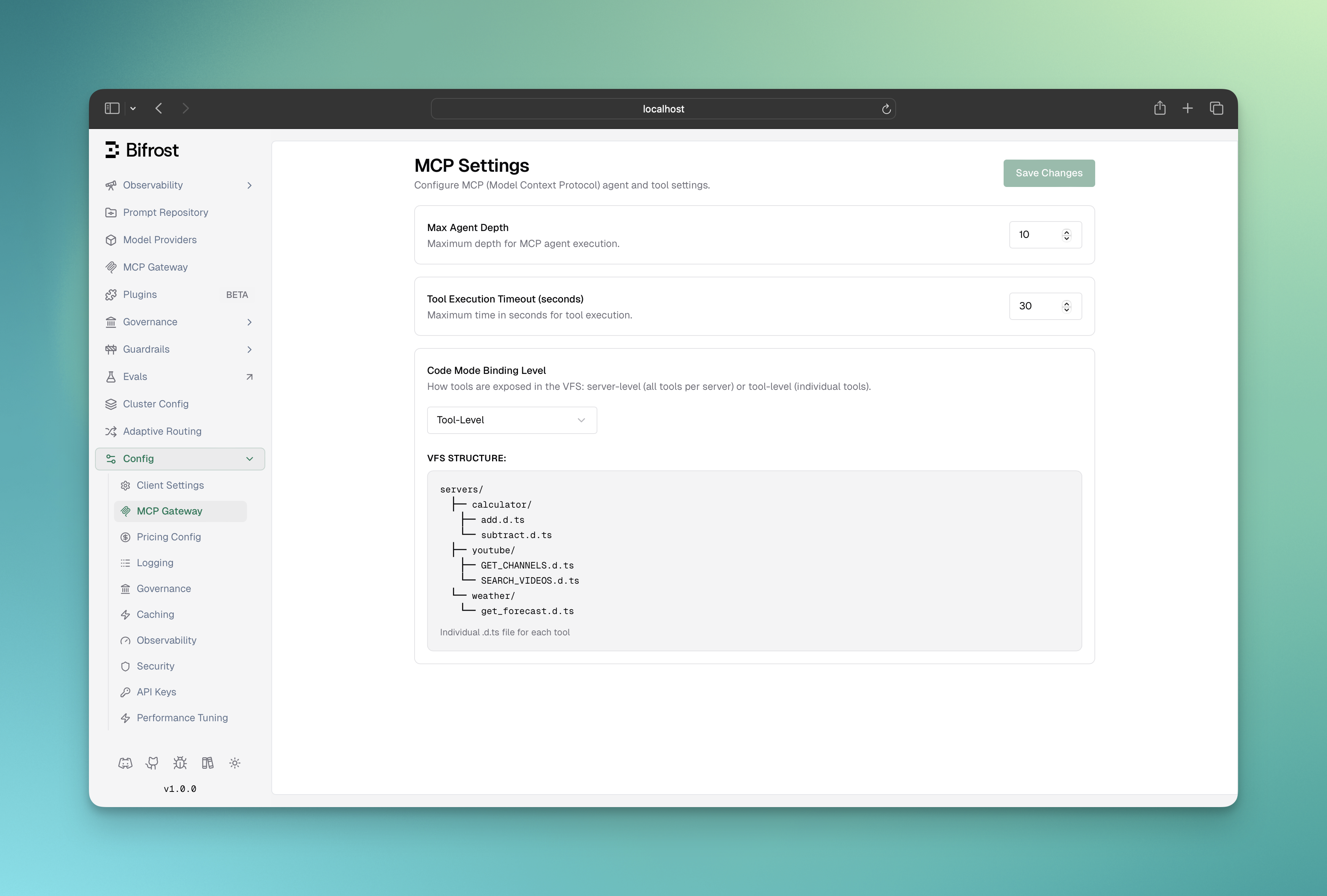
- Go to http://localhost:8080
- Navigate to “MCP Clients” in the sidebar
- Click “Add MCP Client”
- Enter server details and save
curl --location 'http://localhost:8080/api/mcp/client' \--header 'Content-Type: application/json' \--data '{ "name": "filesystem", "connection_type": "stdio", "stdio_config": { "command": ["npx", "@modelcontextprotocol/server-filesystem", "/tmp"], "args": [] }}'List configured MCP clients:
curl --location 'http://localhost:8080/api/mcp/clients'{ "mcp": { "client_configs": [ { "name": "filesystem", "connection_type": "stdio", "stdio_config": { "command": ["npx", "@modelcontextprotocol/server-filesystem", "/tmp"], "args": [] } }, { "name": "youtube-search", "connection_type": "http", "connection_string": "http://your-youtube-mcp-url" } ] }}Read more about MCP connections and advanced end to end tool execution in the MCP Features section.
Tool Choice Options
Section titled “Tool Choice Options”Control how the AI uses tools:
# Force use of specific tool"tool_choice": {    "type": "function",    "function": {"name": "calculator"}}
# Let AI decide automatically (default)"tool_choice": "auto"
# Disable tool usage"tool_choice": "none"
Next Steps
Section titled “Next Steps”Now that you understand tool calling, explore these related topics:
Essential Topics
Section titled “Essential Topics”- Multimodal AI - Process images, audio, and multimedia content
- Streaming Responses - Real-time response generation with tool calls
- Provider Configuration - Multiple providers for redundancy
- Integrations - Drop-in compatibility with existing SDKs
Advanced Topics
Section titled “Advanced Topics”- MCP Features - Advanced MCP server management and configuration
- Core Features - Advanced DeepIntShield capabilities
- Architecture - How DeepIntShield works internally