
Opencode
Opencode is an AI-powered coding application that supports OpenAI-compatible APIs. By pointing it at DeepIntShield, you get access to any provider/model in your DeepIntShield configuration, plus governance features like virtual keys, built-in observability, and per-model options for reasoning effort, thinking budget, and more.
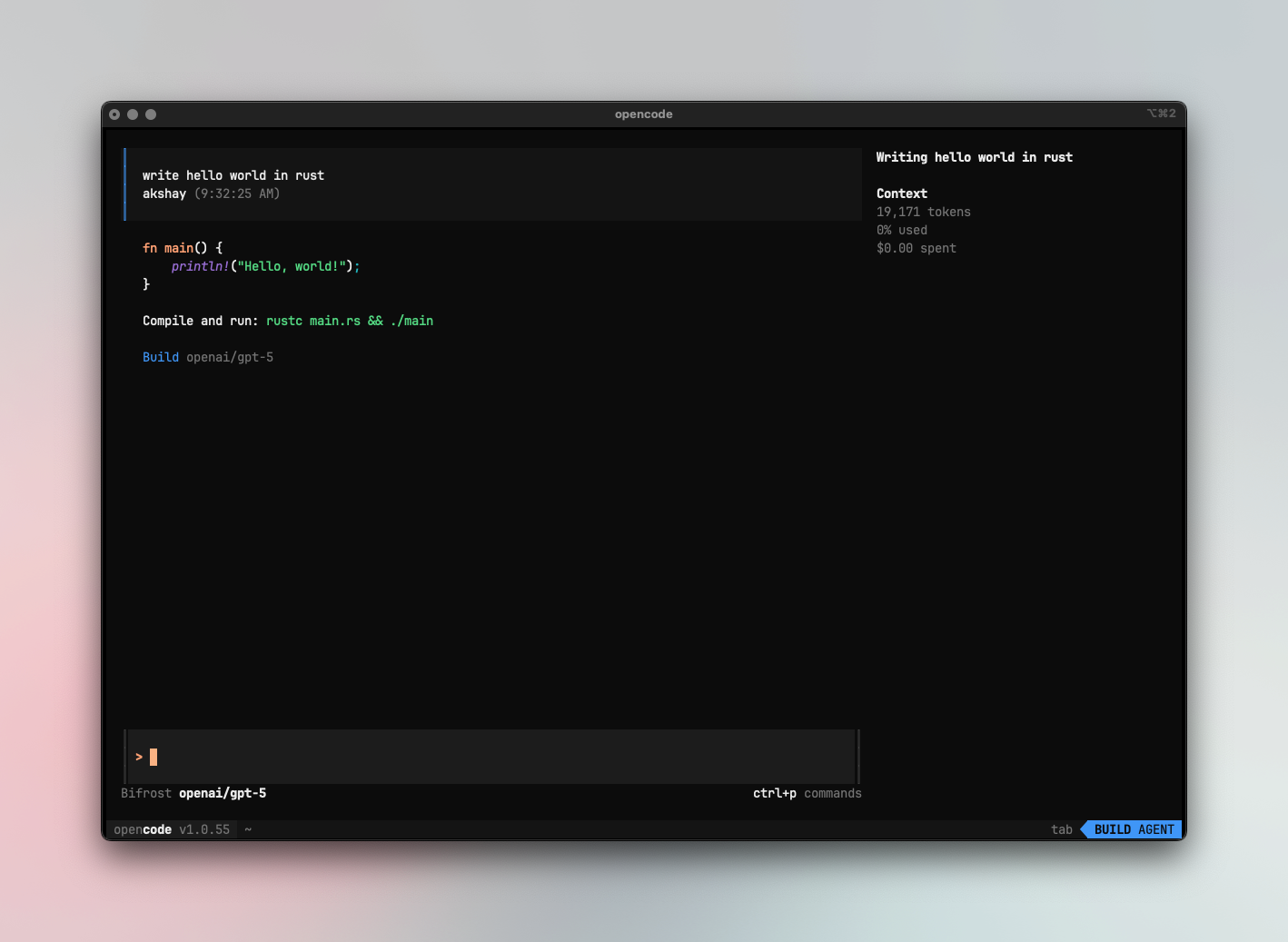
1. Configure OpenCode to work with DeepIntShield
Section titled “1. Configure OpenCode to work with DeepIntShield”OpenCode uses a JSON config file (opencode.json) to configure providers. Point your provider’s baseURL to DeepIntShield.
Using OpenAI-compatible endpoint
Section titled “Using OpenAI-compatible endpoint”Route OpenAI and other providers through DeepIntShield’s OpenAI endpoint:
{ "$schema": "https://opencode.ai/config.json", "provider": { "openai": { "name": "DeepIntShield", "options": { "baseURL": "http://localhost:8080/openai", "apiKey": "your-deepintshield-key" }, "models": { "openai/gpt-5": {}, "anthropic/claude-sonnet-4-5-20250929": {}, "gemini/gemini-2.5-pro": {} } } }, "model": "openai/gpt-5"}Using Anthropic endpoint
Section titled “Using Anthropic endpoint”Route Anthropic models through DeepIntShield’s Anthropic endpoint:
{ "$schema": "https://opencode.ai/config.json", "provider": { "anthropic": { "name": "DeepIntShield", "options": { "baseURL": "http://localhost:8080/anthropic/v1", "apiKey": "your-deepintshield-key" }, "models": { "anthropic/claude-sonnet-4-5-20250929": {} } } }, "model": "anthropic/claude-sonnet-4-5-20250929"}Virtual Keys
Section titled “Virtual Keys”When DeepIntShield has virtual key authentication enabled, set apiKey in your provider options to your virtual key:
"options": { "baseURL": "http://localhost:8080/openai", "apiKey": "bf-your-virtual-key-here"}This lets you enforce usage limits, budgets, and access control per user or environment. For team deployments, create a separate virtual key for each team — each key can have its own rate limits, budgets, and provider access rules configured in the DeepIntShield dashboard.
Model Selection
Section titled “Model Selection”Set your default models in opencode.json:
{ "model": "openai/gpt-5", "small_model": "anthropic/claude-haiku-4-5"}Switch models in the TUI with
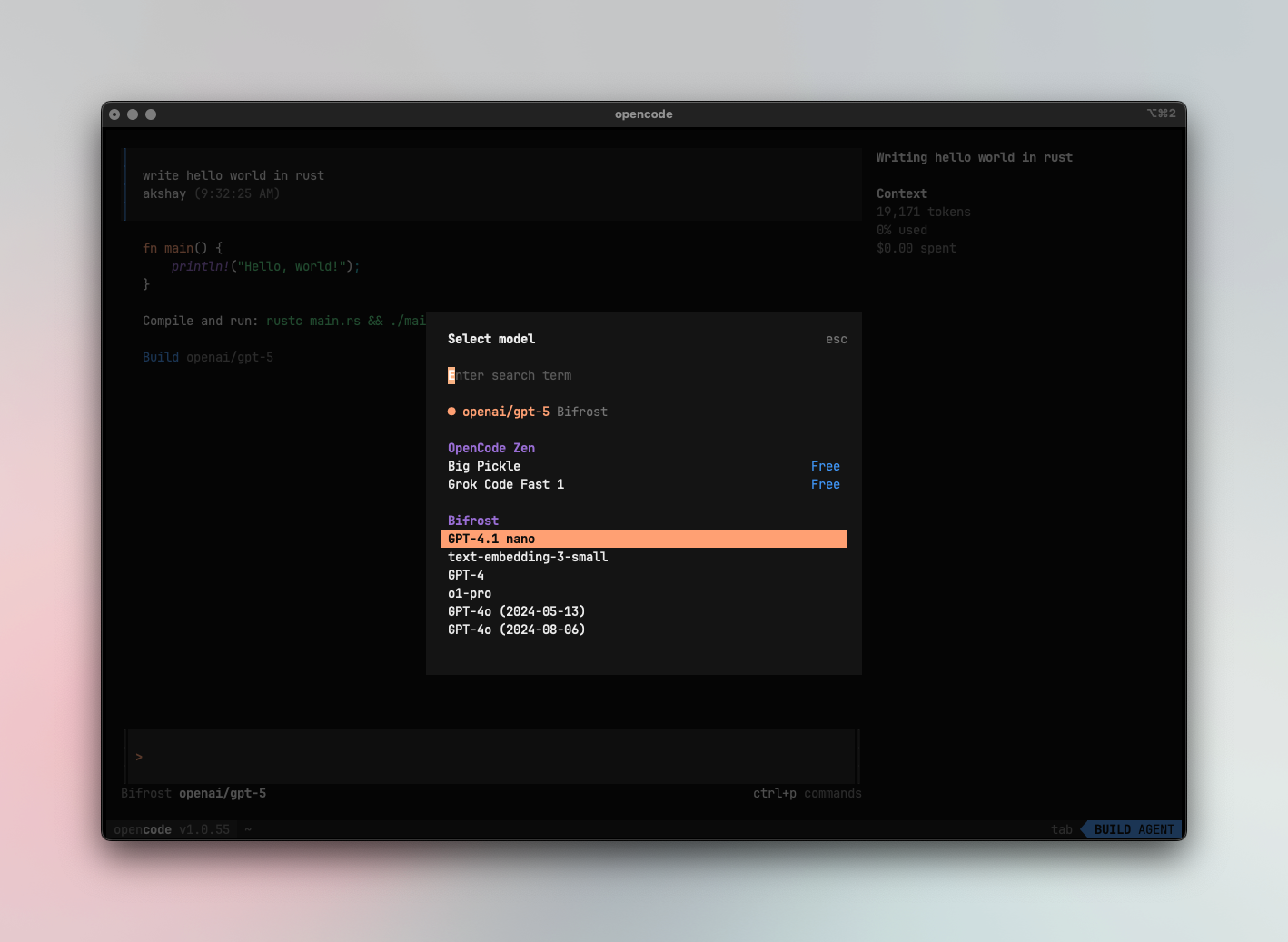
- Use powerful models like
openai/gpt-5oranthropic/claude-sonnet-4-5-20250929for complex coding tasks - Use fast models like
groq/llama-3.3-70b-versatilefor quick completions - Set
small_modelto a lighter model for faster, lower-cost operations
Using Multiple Providers
Section titled “Using Multiple Providers”DeepIntShield routes requests to the correct provider based on the model name. Use the provider/model-name format to access any configured provider through the single OpenAI endpoint:
anthropic/claude-sonnet-4-5-20250929openai/gpt-5gemini/gemini-2.5-promistral/mistral-large-latestYou can configure models from different providers with per-model options:
{ "$schema": "https://opencode.ai/config.json", "theme": "opencode", "autoupdate": true, "provider": { "openai": { "name": "DeepIntShield", "options": { "baseURL": "http://localhost:8080/openai", "apiKey": "your-deepintshield-key" }, "models": { "openai/gpt-5": { "options": { "reasoningEffort": "high", "textVerbosity": "low", "reasoningSummary": "auto", "include": [ "reasoning.encrypted_content" ] } }, "anthropic/claude-sonnet-4-5-20250929": { "options": { "thinking": { "type": "enabled", "budgetTokens": 16000 } } } } } }}Supported Providers
Section titled “Supported Providers”DeepIntShield supports the following providers with the provider/model-name format:
openai, azure, gemini, vertex, bedrock, mistral, groq, cerebras, cohere, perplexity, xai, ollama, openrouter, huggingface, nebius, parasail, replicate, vllm, sgl
Observability
Section titled “Observability”All OpenCode traffic through DeepIntShield is logged. Monitor it at http://localhost:8080/logs — filter by provider, model, or search through conversation content to track usage.
Next Steps
Section titled “Next Steps”- Provider Configuration — Configure AI providers in DeepIntShield
- Virtual Keys — Set up usage limits and access control