
Gemini CLI
Gemini CLI is Google’s powerful coding assistant with advanced reasoning capabilities.
To install Gemini CLI
Section titled “To install Gemini CLI”npm install -g @google/gemini-cliConfiguring Gemini CLI to work with DeepIntShield
Section titled “Configuring Gemini CLI to work with DeepIntShield”Gemini CLI supports multiple authentication methods. Choose the one that matches your account type.
Google account (OAuth)
Section titled “Google account (OAuth)”Log in with your Google account for free-tier access (60 requests/min, 1,000 requests/day).
-
Set the DeepIntShield base URL
Terminal window export GOOGLE_GEMINI_BASE_URL=http://localhost:8080/genai -
Run Gemini CLI and sign in
Terminal window geminiSelect Login with Google and authenticate via your browser. All traffic automatically routes through DeepIntShield.
API key based usage
Section titled “API key based usage”For users with a Gemini API key (obtain one from Google AI Studio):
-
Configure environment variables
Terminal window export GEMINI_API_KEY=your-api-key # Gemini API key or DeepIntShield virtual keyexport GOOGLE_GEMINI_BASE_URL=http://localhost:8080/genai -
Run Gemini CLI
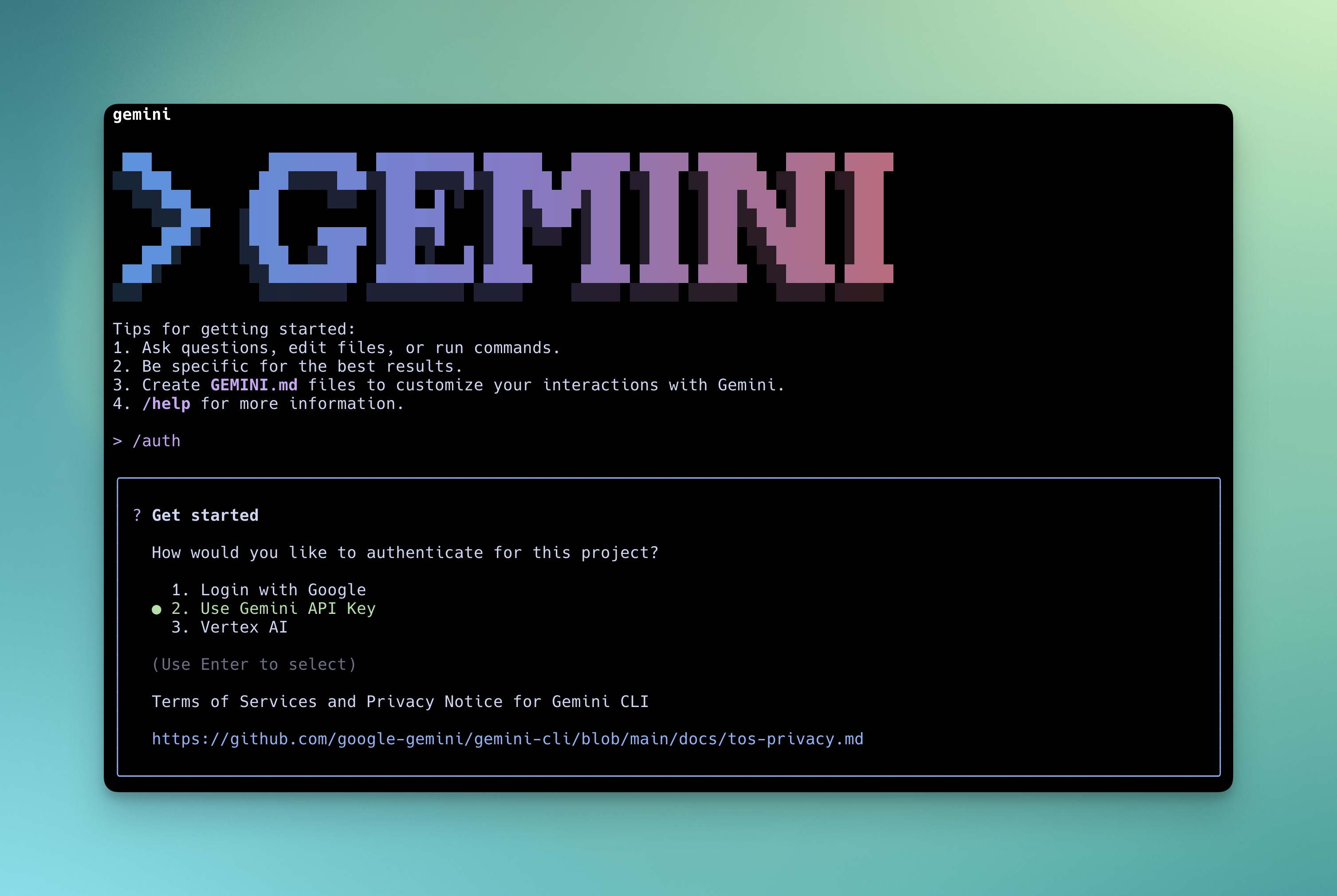
Terminal window geminiSelect Use Gemini API Key in the CLI prompt for authentication.
Google Cloud / Vertex AI
Section titled “Google Cloud / Vertex AI”For enterprise users with Vertex AI access:
export GOOGLE_API_KEY=your-api-key # Google API key or DeepIntShield virtual keyexport GOOGLE_GENAI_USE_VERTEXAI=trueexport GOOGLE_GEMINI_BASE_URL=http://localhost:8080/genaigeminiNow all Gemini CLI traffic flows through DeepIntShield, giving you access to any provider/model configured in your DeepIntShield setup, plus observability and governance.
Model Configuration
Section titled “Model Configuration”Use the -m flag to start Gemini CLI with a specific model:
gemini -m gemini-2.5-flashgemini -m gemini-2.5-proUsing Non-Google Models with Gemini CLI
Section titled “Using Non-Google Models with Gemini CLI”DeepIntShield automatically translates GenAI API requests to other providers, so you can use Gemini CLI with models from OpenAI, Anthropic, Mistral, and more. Use the provider/model-name format to specify any DeepIntShield-configured model.
# Start with an OpenAI modelgemini -m openai/gpt-5
# Start with an Anthropic modelgemini -m anthropic/claude-sonnet-4-5-20250929
# Start with a Groq modelgemini -m groq/llama-3.3-70b-versatile
Supported Providers
Section titled “Supported Providers”DeepIntShield supports the following providers with the provider/model-name format:
openai, azure, gemini, vertex, bedrock, mistral, groq, cerebras, cohere, perplexity, xai, ollama, openrouter, huggingface, nebius, parasail, replicate, vllm, sgl